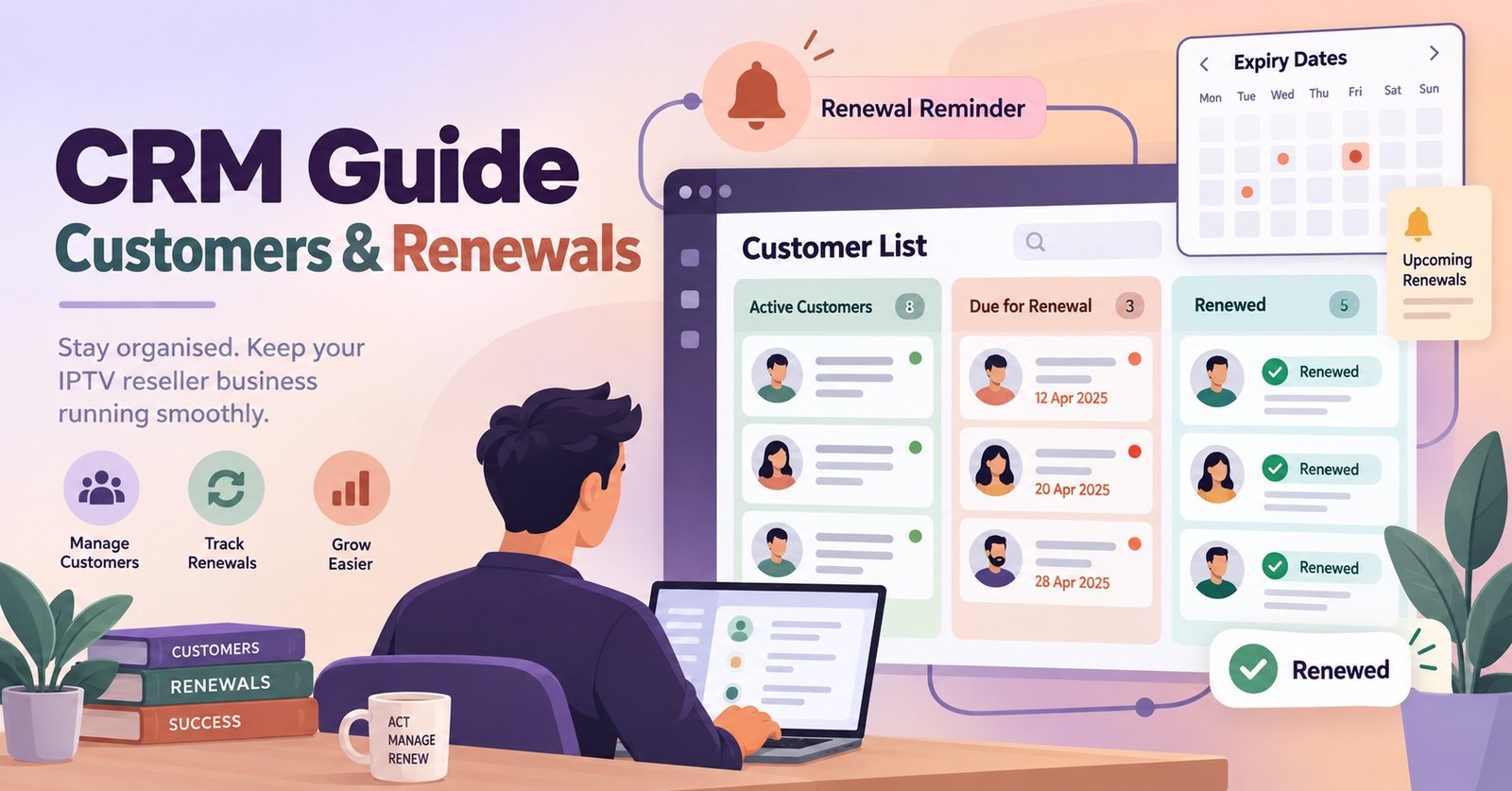
An IPTV Reseller CRM Guide usually gets written after someone has already lost a paying customer to a missed renewal, not before. Most resellers start out with a notebook, a spreadsheet, or a string of WhatsApp threads, and that works fine for the first dozen clients. It stops working somewhere around client thirty, when two renewals land on the same day, a customer’s device stops working and nobody remembers what plan they’re on, and a sub reseller asks for a client list that doesn’t quite exist anywhere in one place.
What Does an IPTV Reseller CRM Guide Need to Track First?
Before choosing software or building a spreadsheet, it helps to be honest about what actually needs recording. Not everything does. A customer record for an IPTV panel reseller only needs to answer a handful of questions quickly: who is this person, what did they pay for, when does it run out, and what happened last time something went wrong.
In practice that means five fields matter more than any others: the customer’s name or business name, their device type, the plan length they bought, the exact renewal date, and a short note field for anything unusual, such as a refund, a device swap, or a recurring buffering complaint. Everything past that, colour-coded tags, loyalty scores, marketing segments, is decoration until the basics are solid.
Device type deserves its own mention because it’s the field resellers skip most often and regret later. A customer on a Firestick, a Smart TV app and an Enigma2 box each need different troubleshooting steps, and without that field recorded, every support message starts with a question the customer has already answered once before.
Pro tip: Add a renewal date column even if you already sort customers by month. A visible date catches the customer who paid on the 3rd last time but the 28th this time, which a monthly folder structure quietly hides.
The Renewal Clock Most Resellers Get Wrong
Renewals fail for a boring reason most of the time: nobody looked at the date until the customer’s line had already stopped working. The fix isn’t more effort, it’s a earlier trigger point.
| Renewal stage | Basic tracking | Improved tracking |
|---|---|---|
| 7 days before expiry | Nothing happens | Reminder sent to customer |
| Day of expiry | Line goes dark, customer messages you | Line renewed automatically if credit is available |
| After a missed renewal | Customer re-explains the issue from scratch | Note field shows history, resolved in one reply |
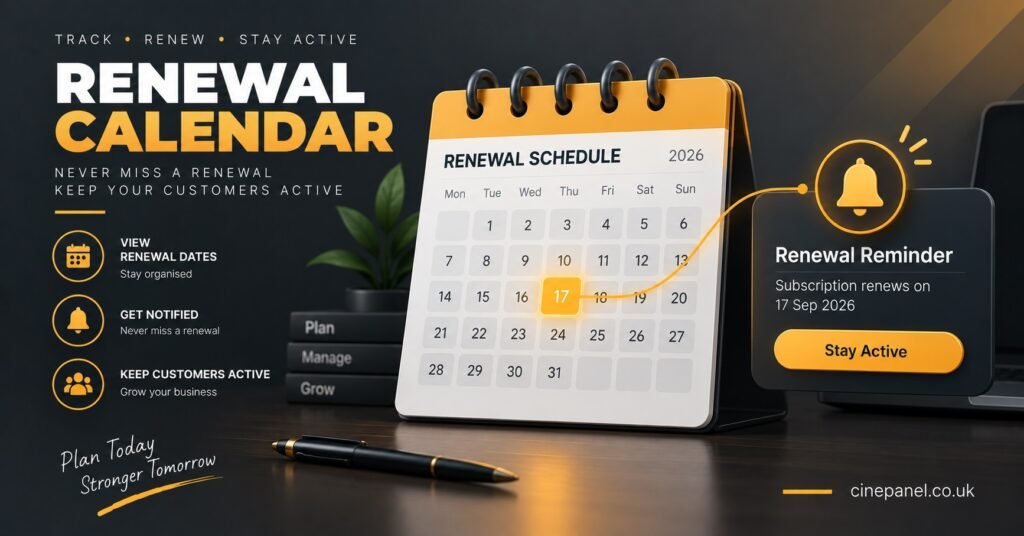
The improved column isn’t about buying expensive software. It’s about deciding, in advance, that a reminder goes out a week early rather than relying on memory. A reseller dashboard built for UK operators that shows remaining credit and upcoming renewals in one screen removes most of the guesswork, but even a shared spreadsheet with a sort-by-date view achieves the same result if someone actually checks it daily.
The Renewal Clock Most Resellers Get Wrong
There’s a second failure point worth naming separately: credit running out mid-renewal. A customer’s plan expires, you go to renew it, and the credit balance isn’t where you thought it was. This is where the difference between expiring and non-expiring credit bands genuinely changes how a IPTV panel reseller operates day to day. If credits don’t vanish on a fixed schedule, a quiet fortnight doesn’t turn into wasted stock, and renewal timing stays a scheduling problem rather than a stock problem.
Signs Your Customer List Has Outgrown a Spreadsheet
A spreadsheet isn’t a bad starting tool. It becomes a liability at a specific point, and most resellers can feel it before they can name it.
The clearest sign is duplicated work: typing the same customer’s details into a support chat, a payment note and a renewal tab separately, because nothing links them. Another is a support reply that takes longer to write than the actual fix, because finding the customer’s history takes more time than solving their problem. A third, more serious sign is not knowing your actual active customer count without counting manually, which makes it impossible to judge whether credit purchases match real demand.
None of these signs mean the business is failing. They mean the record-keeping hasn’t kept pace with the customer count, which is a solvable problem rather than a business problem.
Running Sub-Resellers Through the Same System
Once sub resellers are involved, a customer CRM stops being optional. A sub reseller operating under your account needs their own client list, but you still need visibility into the wider tree, because a support issue, a chargeback, or a licensing question ultimately lands with the parent account.
The practical approach is to keep sub-reseller customer records structurally identical to your own, same fields, same renewal-date logic, even if the sub reseller uses their own naming conventions for plans. This makes it possible to spot a sub reseller whose renewal rate has quietly dropped, which is usually the first sign of a support problem building up before it reaches you directly.
Pro tip: Ask sub resellers to flag any customer note involving a refund or a repeated complaint, even if they resolved it themselves. Small patterns are only visible from the parent account looking across several sub-reseller books at once.
Every business built on IPTV reseller credits runs on the same underlying arithmetic: credits spent should map to active customers, and any gap between the two numbers is either an unrecorded churn or an unrecorded renewal. Keeping that number visible, at the parent level and the sub-reseller level, is most of what a CRM is actually for.
What a Renewal Note Should Actually Say
The note field on a customer record is often left blank or filled with something unhelpful like “sorted.” A more useful habit is recording three things whenever an issue comes up: what the customer reported, what actually caused it, and what fixed it. Over a few months this turns into a rough internal knowledge base, because the same device problems tend to repeat across different customers.
This matters more than it sounds. A customer who buffers on a Friday night and gets a generic “try restarting the app” reply feels unheard. A customer whose note already shows “Firestick, weak Wi-Fi, fixed with wired adapter last time” gets a specific answer in seconds, and specific answers are what keep people renewing rather than shopping around.
Renewal and Customer Questions IPTV Resellers Ask
Do I need dedicated CRM software to run an IPTV reseller business?
No. A well-structured spreadsheet with the right five fields covers most UK IPTV panel resellers up to a few dozen customers. Dedicated tracking becomes worthwhile once renewal volume makes manual checking unreliable.
How far in advance should renewal reminders go out?
Seven days gives most customers enough notice without feeling like nagging. Some resellers add a second reminder at 48 hours for customers on shorter monthly plans.
Should sub resellers see the full customer list?
Only their own. Visibility into other sub-reseller books should sit with the parent account, both for privacy and to avoid customer poaching between resellers on the same panel.
What’s the minimum information needed per customer?
Name, device type, plan length, exact renewal date, and a short note field. Anything beyond that is useful but not essential.
Does credit expiry affect how I should track renewals?
Yes. If credits expire on a fixed cycle, renewal tracking has to account for both the customer’s expiry date and your own credit deadline, which adds a second date to monitor per customer.
Keeping the System Working After the First Fifty Customers
An IPTV Reseller panel CRM Guide is really just a way of saying that customer records need to answer three questions fast: who they are, when they renew, and what happened last time. That doesn’t require expensive software or a steep learning curve, it requires deciding on five fields and actually using them consistently from the first customer onward. The businesses that struggle usually aren’t short on customers, they’re short on a system that tells them what those customers need before the customer has to ask twice. Start with the basics, add sub-reseller visibility once it’s needed, and revisit the setup again once renewal volume genuinely outpaces what a spreadsheet can show at a glance.
Renewal Tracking Checklist
- Record name, device type, plan length, renewal date and a note field for every customer
- Sort or filter by renewal date at least once a week
- Send reminders 7 days before expiry rather than waiting for the customer to notice
- Log the cause and fix for every support issue, not just that it was resolved
- Check credit balance against upcoming renewals before a busy weekend
- Keep sub-reseller records in the same format as your own for easy comparison
- Review inactive or lapsed customers monthly rather than letting the list grow unchecked
[…] most of the “I didn’t know it had run out” conversations that quietly cost IPTV resellers repeat […]