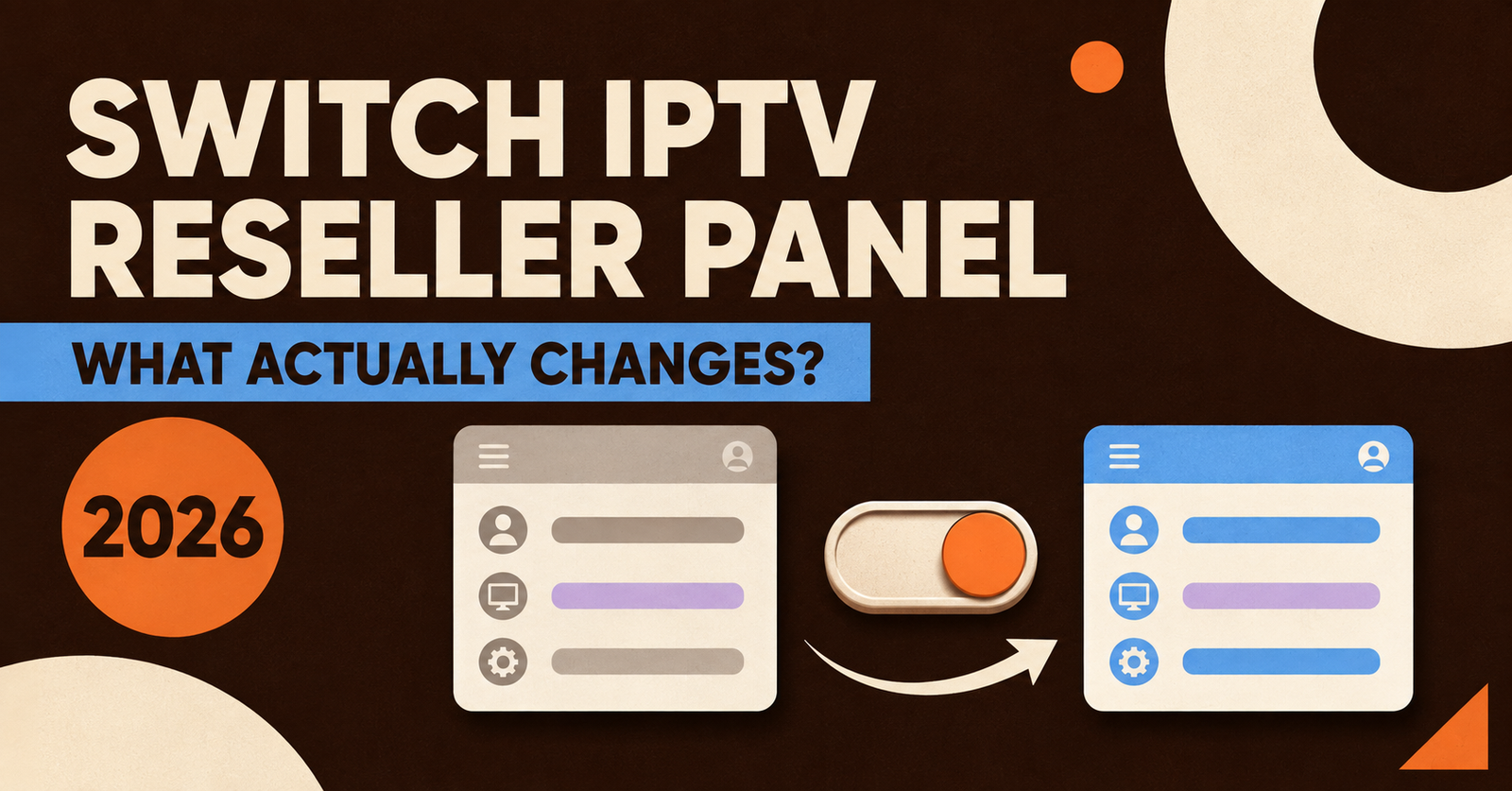
A switch IPTV reseller panel decision usually starts with one bad Friday night: buffering complaints, a supplier who’s gone quiet, or credits that expired before you used them. Moving panels is manageable if you plan the handover properly, but it can also cost you customers if you rush it or skip the checks that actually matter.
Why Resellers End Up Looking at a Switch
Most people don’t wake up wanting to migrate a working business. Something usually forces the question first. A panel that goes offline during evening peak, a supplier who stops replying to support tickets, credits that vanish on a fixed expiry date regardless of use, or a sub-reseller structure that never quite worked the way it was described. Sometimes it’s simpler than that: a competitor panel offers better credit pricing at volume, and the maths for a growing customer list starts to look different.
None of these reasons are wrong on their own. The mistake is switching for the first one that comes along without checking whether the new supplier actually solves the problem, or just moves it somewhere else.
Signs the Problem Is the Panel, Not the Setup
Before assuming a full migration is needed, it’s worth ruling out the obvious. A single bad night doesn’t always mean a bad supplier; sometimes it’s a device issue, a customer’s own connection, or a one-off outage that gets fixed within hours. A pattern is different.
Watch for these together rather than in isolation:
- Buffering complaints that cluster around the same evening hours every week, not just occasional nights
- Support tickets that take days rather than hours, especially for line resets
- Credits that expire on a calendar date instead of staying on the account until spent
- No visibility into sub-reseller activity if you run a small team underneath you
- Repeated unexplained downtime with no proper status updates
One or two of these might be worth a conversation with your current supplier first. Several at once, over more than a few weeks, is usually the point where a switch IPTV reseller panel move becomes worth the disruption.
What to Check Before Committing to a New Panel
A demo screenshot tells you almost nothing about how a panel behaves at 9pm on a Saturday. Before moving any real customers across, test the basics yourself.
Open a trial line and watch it on the device mix your customers actually use, not just a laptop browser. Check how credits are deducted and whether unused ones carry forward. Ask directly how sub-reseller permissions work if that matters to your setup, and get a straight answer on renewal handling rather than a vague “it’s automatic.” A supplier who can’t answer these clearly before you’ve paid anything is unlikely to improve once you have.
Pro tip: Run the trial line during your busiest local viewing window, not during a quiet weekday afternoon. That’s when a weak panel usually shows its limits.
Moving Customers Without Losing Them
The technical side of a migration is rarely the hard part. Keeping customers through the change is. A silent switch, where lines simply stop working one evening with no warning, is how resellers lose the trust they spent months building.
A staggered handover works better than a single cutover date. Move a small batch of lower-risk customers first, confirm playback is stable across their devices, then move the rest in groups over a week or two rather than all at once. Keep the old panel active in parallel until every customer has been confirmed working on the new one; cancelling the old subscription too early, before you’re certain everyone has transitioned cleanly, is one of the more common and avoidable mistakes.
Tell customers something changed, even if you keep the explanation brief. A short message about improved reliability lands better than a confused customer messaging you asking why their login suddenly stopped working.
What Sub-Resellers Need to Know
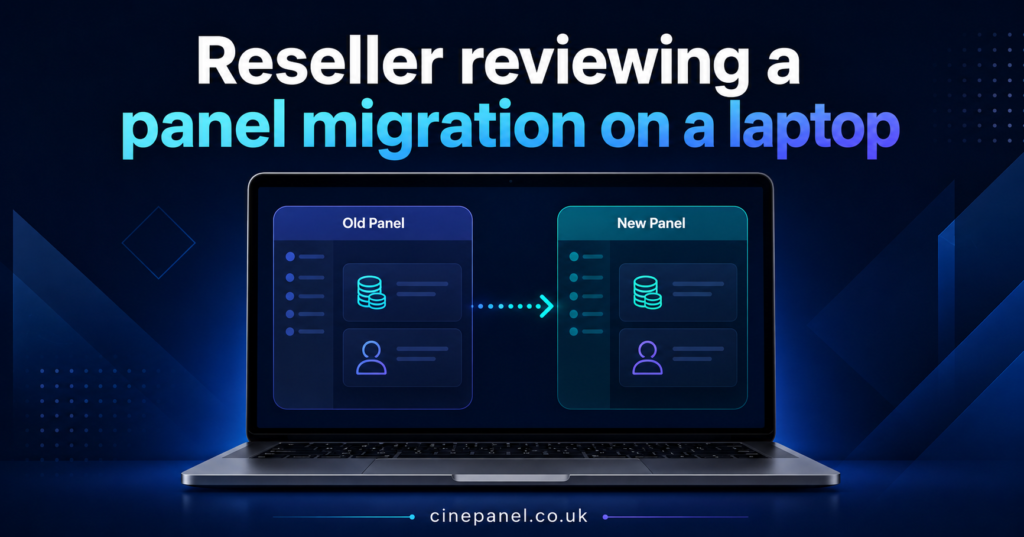
If you run sub-reseller accounts underneath your own, the switch affects them differently to how it affects end customers. Their margins, their permissions and their existing customer base all depend on how cleanly the parent account transfers across. Confirm with the new supplier exactly how sub-reseller structures carry over, whether credit limits need resetting, and who’s responsible for communicating the change to each sub-reseller’s own customers. Leaving this ambiguous is how internal trust breaks down faster than external customer trust.
Credit Maths Worth Checking First
Pricing is often the reason a switch IPTV reseller panel decision gets made in the first place, but it’s easy to compare the headline credit price without checking what it actually buys. A cheaper credit that expires unused, or that doesn’t include sub-reseller seats you already rely on, isn’t automatically better value than a slightly higher price with more flexibility built in.
Work out your real monthly credit usage first, based on active lines rather than total customers signed up historically. Then compare that figure against both suppliers’ pricing bands, factoring in whether unused credits carry over and whether support response times differ enough to matter. Cine Panel’s pricing structure is one example of a non-expiring credit model, which is the kind of detail worth checking against any panel you’re weighing up.
Common Mistakes During a Panel Switch
Rushing the entire customer base across in one evening is the single most avoidable error, but it’s not the only one. Cancelling the previous supplier before every line is confirmed working leaves you with no fallback if something goes wrong on the new panel. Not testing on the actual devices customers use, rather than a spare test box, means problems surface after the switch rather than before it. And underestimating support ticket volume in the first fortnight, when questions from confused customers spike regardless of how well the migration was planned, catches a lot of resellers off guard.
Reseller Migration Checklist
- Confirm credit carry-over policy in writing before paying for the new panel
- Test a live trial line on every device type your customer base actually uses
- Ask directly how sub-reseller accounts and permissions transfer
- Keep the old panel active until every customer is confirmed working
- Move customers in small batches rather than all at once
- Notify customers briefly before or during the switch, not after something breaks
- Log which customers have moved and which are still pending
- Set aside extra time for support tickets in the first two weeks
IPTV Reseller Panel Switch: Questions Answered
How long does switching an IPTV reseller panel usually take?
It depends on customer numbers, but a staggered migration over one to two weeks is more realistic than a single-day cutover for anyone with an established list.
Will my customers notice the switch?
They shouldn’t notice a service change if the migration is planned properly, though a brief heads-up message avoids confusion if login details change.
Can I keep both panels running during the move?
Yes, and it’s advisable. Running both in parallel until every line is confirmed on the new panel protects you if something doesn’t transfer cleanly.
Do sub-reseller accounts transfer automatically?
Not always. Confirm this specifically with the new supplier rather than assuming it works the same way as your previous panel.
What happens to unused credits on my old panel?
This varies by supplier. Some allow a final top-up window before closing an account, others don’t, so check before you commit to a switch date.
Is switching worth it for a small reseller list?
If the current panel has genuine reliability or support problems, size doesn’t change the case for moving. It mainly changes how quickly the migration can happen.
A switch IPTV reseller panel move works best when it’s treated as a managed handover rather than an emergency reaction to a bad week. Test the new supplier properly, confirm how credits and sub-reseller accounts carry over, and move customers in batches while keeping the old panel live as a safety net. Done that way, the switch protects the business relationships you’ve already built instead of putting them at risk. Cine Panel is one option worth trialling against your current setup before making the move final.